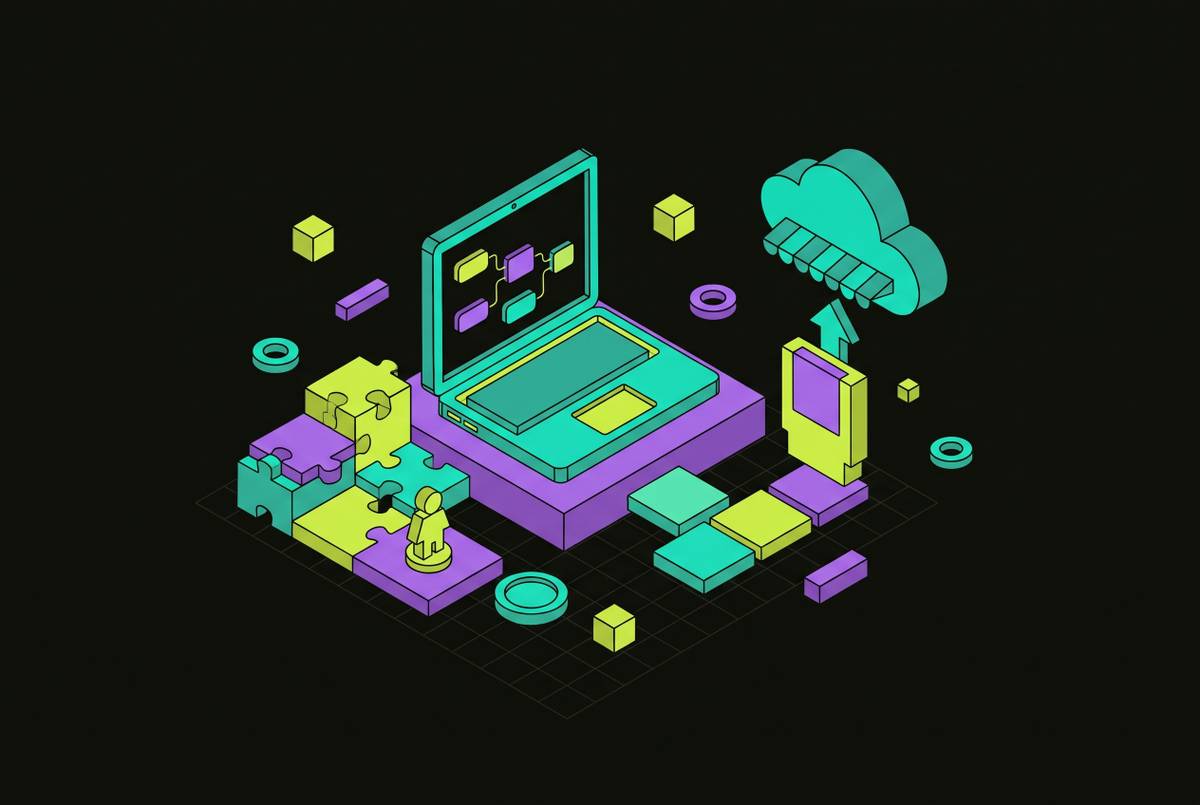
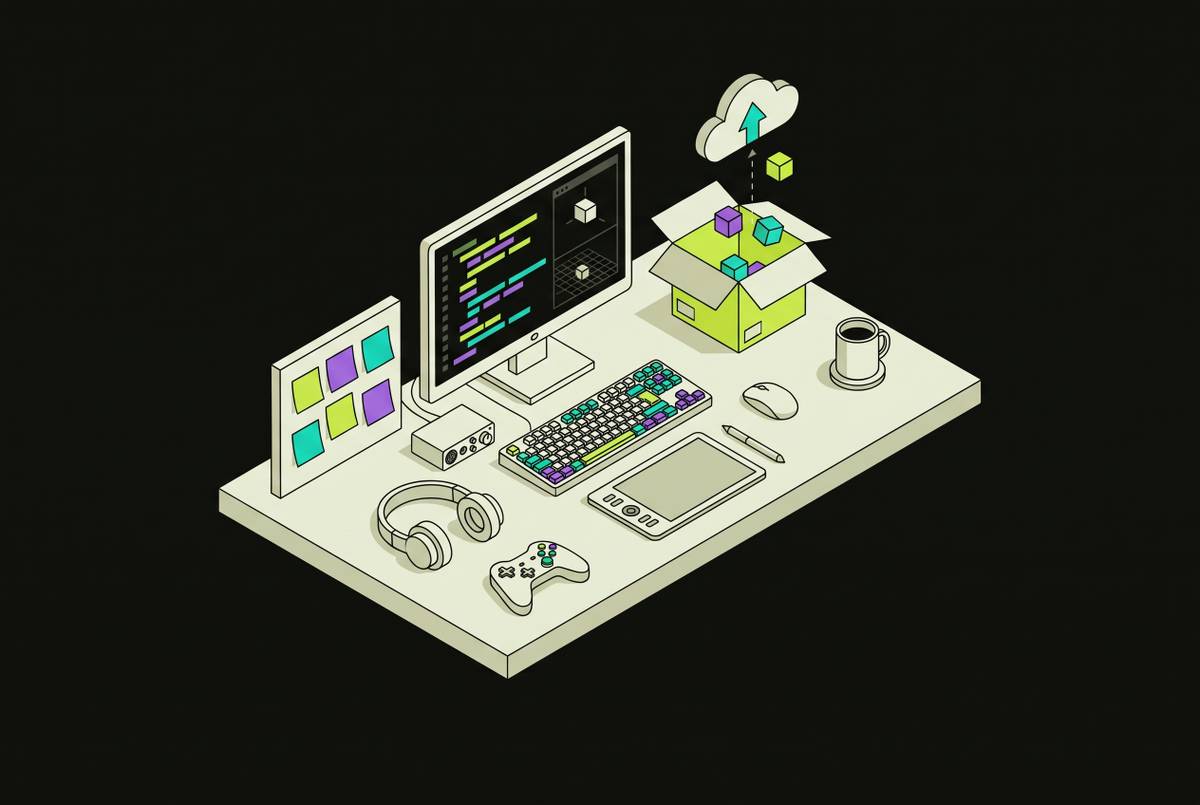
The Beginner's First Game Engine Should Export a Steam Build Not a Demo Reel
Pick an engine by what it exports, because only a real build reaches Steam.
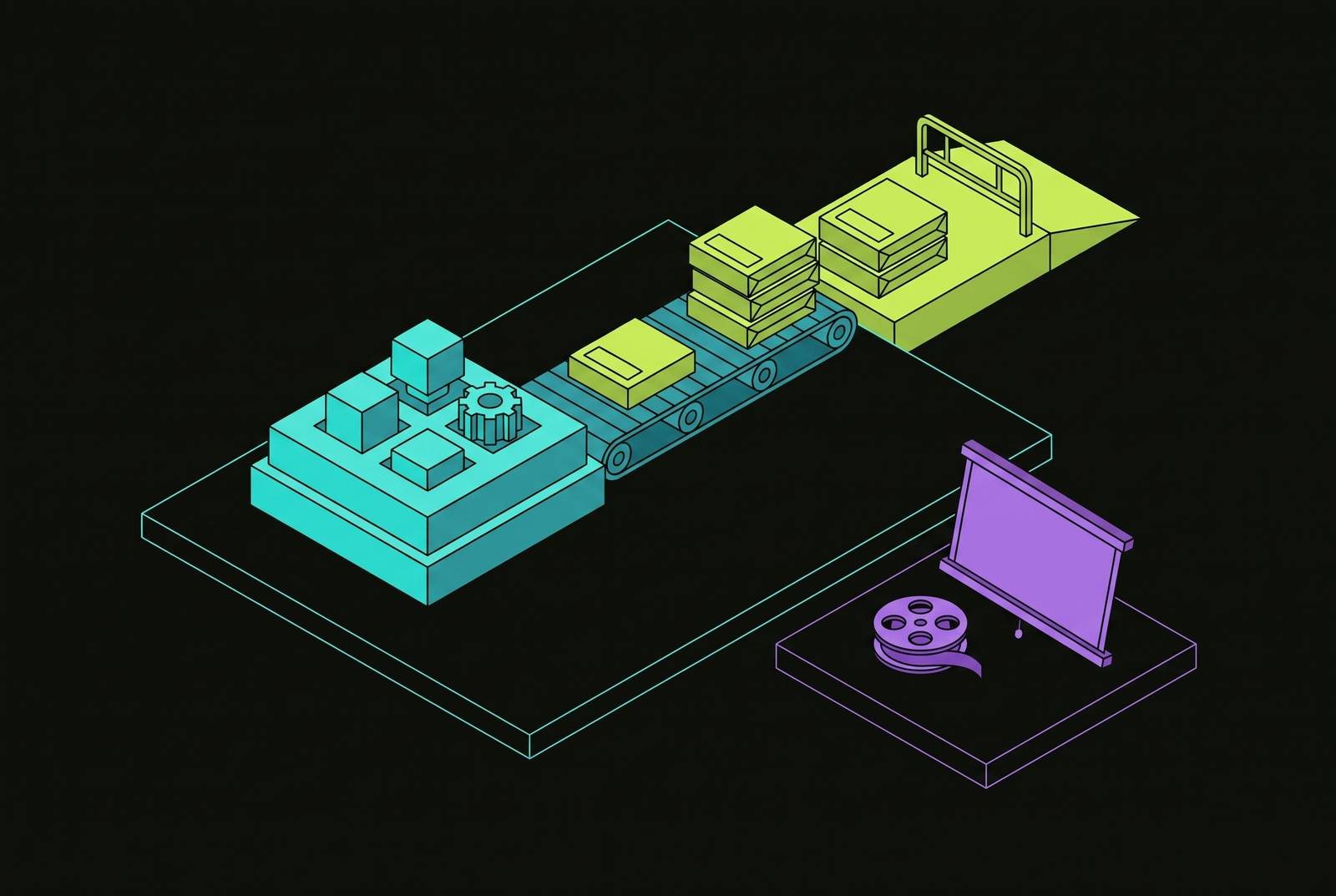
A beginner’s first game engine should be judged by what it can ship as well as how quickly it produces something playable. For a creator aiming at Steam, the honest starting point is an engine that exports a native desktop executable from the outset. Godot provides that foundation, while AI assistance can shorten the path from a first mechanic to a working build without replacing the work of learning to ship.
Why the first tool you pick is not just a starting point but a ceiling
The decisive moment comes when a beginner wants to turn a playable project into a downloadable game and discovers that the tool produces only a hosted browser link. The mechanic may work, and players may want more. What looked like a publishing task has become a decision about whether to rebuild in another engine.
That limitation belongs in the first engine decision. Ease of use describes how quickly a creator can begin, while export capability determines where that work can go. A browser-hosted URL and a downloadable executable are different outputs. For a Steam-bound project, the distinction separates a shareable demonstration from the build needed for release. Ease of use alone is therefore not enough to choose a tool, especially when its marketing says more about getting started than about getting out.
What Steam actually requires before a game can go live
To publish on Steam, a creator first joins Steamworks and pays the Steam Direct fee. The creator must also create a store page, upload a working build, pass Valve’s review, and release the approved game. These requirements belong in development planning before the game is finished. The engine supplies the build, but it does not replace the publishing process.
The schedule has mandatory lead times as well. The 30-day waiting period begins when the fee is paid, and the Coming Soon page must be public for at least two weeks before release. First-time studios should allow extra time for tax and identity verification before that clock starts. A finished game cannot compress this process into a weekend. Knowing the schedule before writing code lets a beginner work on the store page and get ready for release while building the game.
Steam also requires an AI-generated content disclosure in its content survey before submission. Disclosure does not replace any other release requirement. The process still culminates in submitting a working build. At submission, the engine’s output becomes decisive. For the native desktop release considered here, a hosted browser link cannot substitute for the executable.
How browser-first tools create a sunk-cost trap before the creator notices
A browser-first tool without a portable project or desktop export can produce quick progress while accumulating an expensive constraint. A beginner learns its workflow, builds around its capabilities, and shares results that encourage further work. The limit stays out of view until releasing the game seems possible. By then, moving to another engine means more than changing an export setting. The creator must rebuild the project and learn a different production workflow, while some tool-specific skills no longer apply.
Game jams make that fork particularly clear. A 48-hour prototype can become the beginning of a commercial game, as Celeste and Superhot demonstrate. Those examples establish a possible path from a jam build to a game ready for sale. Making a commercial game is worth exploring when players ask unprompted about a full version, discuss the core mechanic, and the creator still wants to work on it after the jam ends. Owning a portable project in an engine that exports preserves the option to continue. A platform-locked project instead makes a restart the price of pursuing that interest.
The strongest objection is that beginners should master fundamentals before worrying about shipping. But shipping has fundamentals of its own. A beginner must eventually learn how to work with Steam’s waiting period, Coming Soon page, wishlist accumulation, and build review, just as professionals do. An engine that can export lets the beginner learn those steps with the project already being built. A tool that cannot produce the required build leaves the same lessons theoretical, even after the creator has spent months learning to make something playable.
Why Godot is the structurally honest beginner engine in this environment
Godot removes the break between the learning project and the exportable game. Its MIT license has no subscription fee, per-seat cost, revenue share, or runtime fee, and that license does not provide a mechanism for imposing such charges on its use later. There is no commercial tier to unlock.
Godot exports native desktop executables for Windows, macOS, and Linux from the outset, producing the kind of build a creator submits to Steam. No change of engine or project format is required merely because the destination becomes commercial. The creator still has to build the game, prepare its store presence, and complete Steam’s publishing process.
GDScript is also easy to start with and can stay with the creator beyond those first lessons. Its accessible syntax and consistent structure support beginner learning and reliable AI generation of GDScript. Godot’s adoption data shows that the number of games made with it and shipped on Steam has grown fast in recent years, so beginners join an ecosystem that people already use to release games. Godot 4.7 and the Godot Asset Store, released May 2026, further consolidate an ecosystem of assistants, MCP servers, and agent skills built for the engine.
What AI changes about the beginner-to-shipping path in Godot specifically
AI assistance becomes more useful when it can inspect the project and test what it changes. Generating plausible GDScript is only part of the task. A null node path, a missing signal connection, or a CharacterBody2D without a collision shape can cause a problem that syntax checking does not expose. These failures emerge when the game runs. For a beginner without debugging fluency, the important capability is therefore the write–play–read loop, in which an assistant edits, runs, reads diagnostics, and corrects its output.
External assistants and in-engine agents reach different parts of that loop. Cursor paired with a Godot MCP server gains structural context about scenes and nodes. Claude Code can work through multiple steps across files, reason about the whole project, and run shell commands. These tools can do a lot, but the external setups described here do not press play and inspect the live debugger themselves. The creator still runs the game and sends the errors back, linking the generated code to what happens when it runs.
Ziva illustrates the deeper integration available inside the editor. It edits scenes and scripts, reads editor and debugger errors with file and line information, and playtests with real keyboard and mouse input. It can then report what broke. A beginner still needs to judge the result, but no longer has to translate every runtime failure into a separate conversation.
The open-source Godot AI MCP server offers an accessible intermediate step through 120+ operations covering scenes, nodes, scripts, signals, UI, materials, animation, particles, and cameras. It works with Claude Code, Cursor, VS Code, and other MCP clients without requiring a paid plugin. The practical recommendation is to connect structural context first. Moving from that setup to an in-engine agent adds execution and runtime diagnosis. Both arrangements preserve the engine’s export destination, so the assistance advances an existing shipping path.
The honest asset and audio stack for a time-constrained beginner building toward Steam
The export requirement extends beyond the engine to every asset in the game. A fast production tool is not enough if its output cannot be exported and owned for use in the finished project. Code, images, environments, dialogue, and audio must all reach the same deliverable. For a time-constrained beginner, the useful stack is therefore a set of production tools whose outputs can enter the Godot project.
In practice, Inworld AI and Charisma.ai address NPC dialogue and interactive narrative, while ElevenLabs covers voice acting. Promethean AI helps with layout and building environments. These tools address different production gaps. Their role is to help a creator supply parts of the game that would otherwise demand skills or time the creator does not have.
A creator already working inside Claude Code or Cursor benefits from a generator available inside that agent rather than a separate platform that requires repeated context switching. Scenario is an option for sessions set aside for 2D art. Suno handles music generation, while ElevenLabs supplies the voice component. Combined with a code assistant and a 3D asset tool where needed, these capabilities address more of the production pipeline than code assistance alone.
Steam’s disclosure requirement applies to the resulting AI-generated assets used in the shipped game, so disclosure should be planned from the start. AI can reduce art and audio production time for a solo creator without those skills, but it cannot build a whole indie game by itself. The creator still has to learn the Steam pipeline, playtest, and iterate on the core mechanic. A tool claiming to remove all of that is selling the demonstration.
Where AI-assisted Godot development runs into real community friction
Game jams introduce rules that can change which parts of this workflow are acceptable. GitHub Game Off, running November 1 to December 1, 2026, allows AI-assisted development with disclosure at submission. Ludum Dare allows AI assistant and co-pilot tools, but asks entrants to opt out of categories where a content-generation tool did most of the work. Godot Wild Jam prohibits AI-generated content in the game and its itch page. These policies are not interchangeable, so the practical lesson is to read the specific event’s rules before entering.
The learning objection deserves equally direct treatment. AI-written code does not relieve the creator of understanding what it does before adding it to the project. GDScript remains worth learning because that understanding supports error detection and deliberate iteration. The write–play–read loop can support learning by connecting a change to what the game actually does at runtime. The creator learns less from it when they accept the output without looking at the code or checking the result.
For a beginner adopting this approach, the starting sequence is concrete. Download Godot 4.7, which requires no installer, account, or payment, and create a project. Connect an assistant that can see the scene tree and read runtime errors, build the first mechanic, and run it. Let the assistant diagnose what breaks while examining the changes it proposes. A jam that permits the chosen workflow can then provide a bounded opportunity to finish and share that work without treating the prototype as a commercial release.
The creator can then get ready to sell the game while keeping the project’s foundation. The Steam Direct fee should support a game built in a tool that exports a native desktop executable, with its store page developing during production and wishlists accumulating before launch. The executable is the deliverable around which learning, tools, assets, and publishing preparation should fit from the beginning.