What Solo Game Developers Actually Use to Ship on Steam
The tools that work depend on what each one actually handles and what work stays with you.
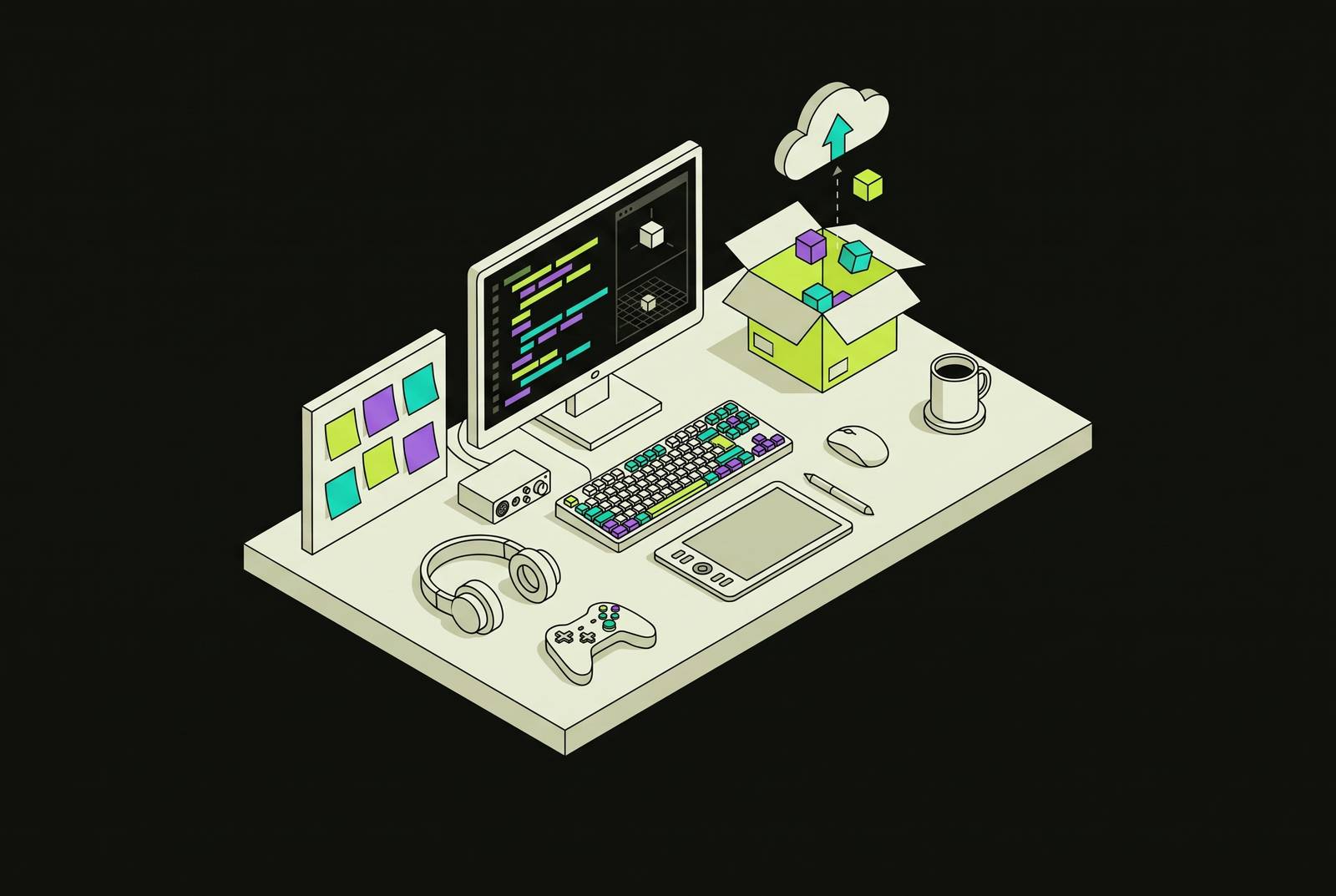
Shipping a Steam game as a solo developer in 2026 requires a deliberate pipeline across code, art, audio, and publishing. For creators without coding experience, an AI-native engine can reduce integration work, but that category alone does not establish direct Steam publishing or freedom from revenue share. The useful comparison is what each tool handles, what it exports, and what work remains with the developer.
Why shipping on Steam as a solo developer is a pipeline problem, not a tool problem
Building has become cheaper while discovery has become harder. A working build is therefore only one milestone in a pipeline that extends to the store page and the audience. The solo developer operates as programmer, artist, composer, QA, and marketing department, often switching between those jobs within the same stretch of work. Context-switching is the persistent cost. A tool that accelerates one task but requires repeated setup and translation elsewhere may leave the larger production problem intact.
This divides the developer’s work into two roles. As taste director, the developer decides what the game is and whether it is worth playing. As production operator, the developer makes those decisions work in a game that can be released. AI earns its place chiefly in that second role, with each tool’s responsibility limited to a specific job within the game. The practical sequence is code, art, audio, and publishing, with each station judged by its output and its limits.
Which engine fits a solo creator who wants to launch on Steam without writing code?
The engine sets the scripting language, which AI integration options and export targets are available, and how much glue code other tools need. That makes it different from an interchangeable asset generator. For a creator without coding experience, the relevant criteria include how much project state the assistant can see, how much manual integration remains, and whether the export path fits the intended release. The comparison also needs to cover who owns the work and the engine’s revenue terms.
External AI assistance comes in several forms. Plain chat through ChatGPT or Claude offers the lowest-friction entry, with code pasted into a conversation and copied back into the project. This works well for isolated fixes. Across a full game, though, the assistant may not know the project’s actual node names and signal connections, so it has to guess details that the developer must correct.
In-editor plugins reduce the distance between conversation and code, but selected-text access is not the same as access to a live scene tree. MCP server connections are another way to link agents to tools outside the chat window. An AI-native engine goes further by putting the assistant inside the engine loop, where it can see full engine state, including the running game. This is the model that removes the most manual bridging work. It does not remove the need to judge the result.
External coding paths also face version drift. Models trained on older syntax can produce deprecated patterns or outdated class names, so the developer still needs to check generated code against the project’s actual environment. For the non-programmer, that is a substantial distinction between generating a prototype and maintaining a game through release.
What coding assistants actually do in a real solo project, and what they do not
Programming consumes the largest share of time in a solo project, so assistant choice deserves more scrutiny than a completion-speed comparison. Scaffolding, debugging, and refactoring across files are the tasks where these tools recover a meaningful share of programming hours. Their value depends on the task’s boundaries. The developer still needs to know enough about the game’s architecture to judge whether a suggested fix fits the rest of the game as well as answering the prompt at hand.
Claude Code is strongest when a task requires several connected steps. It reads files, makes a plan, edits across the project, and runs shell commands, making it useful for work that exceeds a single function. Codeium, also known as Windsurf, addresses a different constraint through unlimited free completions across many languages. Its quality is close to paid alternatives for common game-development work.
GitHub Copilot offers a free tier with a set number of monthly completions and chat requests, with no card required. Pro has a low monthly fee, while verified students have the separate Copilot Student plan, and eligible open-source maintainers and verified teachers can use Pro for free. Its strongest fit is familiar boilerplate. Inventory systems, save/load code, and state machines show up often in training data, so they are better tasks for it than an unfamiliar mechanic whose behavior the developer still needs to define.
All of these assistants share a consequential failure mode. They can confidently produce code that compiles and does the wrong thing, leaving the developer as both the prompt writer and the final debugger. Privacy creates a separate selection criterion. Local models through Ollama, including Llama 3.1, Mistral, CodeLlama, and DeepSeek Coder, run on consumer hardware without sending data off the machine. That option is relevant when novel mechanics should not be processed by cloud servers.
MCP integrations can also help an agent make assets as well as write code by connecting it to several applications. The benefit is less manual file shuffling. However, the distinction between executing a sequence and evaluating its result remains, just as it does when an assistant edits several source files successfully but implements the wrong behavior.
Building a coherent art pipeline when you are not an artist
Art is the second major time sink, but it is not one uniform generation task. Sprites, animated sprite sheets, 3D models, and materials impose different requirements, so a general-purpose image generator cannot stand in for an entire art pipeline. Format comes first. AI output becomes useful when it provides a starting point that the developer can direct, clean up, and integrate, rather than an image accepted simply because it looks impressive in isolation.
Leonardo AI works well for making 2D assets because it has game-specific models and enough free tokens each day to get useful work done. Its custom-model training can help later assets match a first batch that the developer has approved. Pixel art needs a more specialized approach. PixelLab generates characters and walk, run, and attack cycles as complete sprite sheets instead of separate frames, and its free trial offers 40 fast generations followed by 5 slow generations per day. Local Stable Diffusion offers unlimited generation without ongoing fees for developers with a capable GPU, at the cost of a steeper setup.
For 3D work, Meshy AI turns text or image prompts into models with PBR textures. Its free tier covers roughly 3–5 basic models per month, and props such as barrels, crates, weapons, and furniture can reach background-asset quality after cleanup. Characters demand substantially more work. Organic forms and hero characters may need a lot of rework, and UV layouts sometimes need to be fixed by hand. The practical workflow is to generate a base mesh, clean it up in Blender, re-UV it, and integrate it, rather than treat generation as the final modeling step.
Tileable PBR materials from text prompts are production-ready in many cases, but technical readiness does not supply art direction. Environments built entirely from undirected AI materials can feel generic. The useful pattern is to start with generated materials and add hand-painted detail to hero surfaces. Across both 2D and 3D assets, style consistency is the controlling discipline. An approved visual direction, reinforced through training or prompting, separates a cohesive game from a collection of unrelated outputs.
Audio on a solo budget, where AI compression is real and human work still earns its place
Audio generation is especially useful for placeholders, music beds, effects, and NPC barks. Sound need not wait until the end of production. Its strongest contribution is faster iteration on material that establishes mood or makes a scene playable. Final performance is a different standard. A placeholder can serve its purpose without delivering the memorable theme or sustained characterization expected from a central part of the release.
SOUNDRAW has bar-level control over generated music, so one section can change without changing the others. The middle eight bars of a boss theme can build tension separately from the intro, while variations of the main theme can serve different game areas. Ambient music suits this workflow well. Memorable melodic themes remain a weaker point, so usable atmosphere should not be confused with music that players will hum after leaving the game.
For dialogue, Replica Studios was built around a scene-based workflow, emotion controls, and SAG-AFTRA ethical licensing. That approach works well for prototyping dialogue before deciding which characters need human actors. ElevenLabs also covers voice, offers a free tier, and is used for placeholders and secondary NPCs. Human actors still earn their place with main characters because those are the performances players spend the most time with. Meanwhile, SFXR/Bfxr remain free, local, instant options for retro and chiptune effects, a task that does not require AI overhead.
Getting a Steam page live and building wishlists before launch day
Publishing starts before the game is finished, because getting ready for launch includes the Coming Soon page and the wishlists it has built up. Deferring that work until the night before release leaves discovery outside the development plan. Timing deserves its own production slot. Practitioners use page age and wishlist accumulation as voluntary, directional benchmarks for planning a release on Steam, with success still uncertain.
Steam Direct involves a one-time fee, a Steamworks account, and a store page with a trailer, screenshots, and description. Steam’s revenue share starts at thirty percent and steps down at higher lifetime-sales thresholds. This is separate from engine pricing. A claim about an engine taking no revenue share would not eliminate Steam’s platform share, and export capability would not replace the work of presenting the game to prospective players.
Steam Next Fest is an especially useful chance to reach players before launch because it puts playable demos of unreleased games on a page where players can browse the festival. It runs roughly every four months, and each game can participate only once. That makes timing a production decision. The demo and store presentation need to be considered together rather than treating the festival as a promotional task detached from the build.
Store copy, short descriptions, patch notes from a change list, devlog drafts, and launch posts are pattern-matching tasks that chat models can handle in minutes. They do not replace the audience relationship. Steam’s AI disclosure policy, the EU AI Act, and training-data lawsuits also make disclosure a real consideration, so developers need to understand what their engine and asset tools require them to declare. That review belongs in release preparation, without turning tool selection into a substitute for legal judgment.
How to think about the stack as a whole, including consolidation, cost, and what still belongs to you
It is worth putting the most work into integration for the engine and code because so much of making the game depends on them. Consolidation has a concrete purpose here. An assistant built into the engine loop removes a layer of context translation, file shuffling, and reload management that otherwise accumulates across a long project.
Art and audio require a different budget model because generation consumes compute and hosted tools commonly meter that work. Free allocations can support useful production, while local options trade subscription costs for hardware and setup requirements. Publishing is lighter on additional tooling. Much of its drafting work can run through free-tier chat models or an assistant the developer already uses, so a separate tool for every writing task is not the necessary endpoint of specialization.
What remains cannot be delegated through a better integration. The developer decides what the game is, whether it is fun, which hero assets need art direction, and when the release is ready. The relationship with the audience remains personal work too. The right stack clears the path between a developer’s idea and the player.